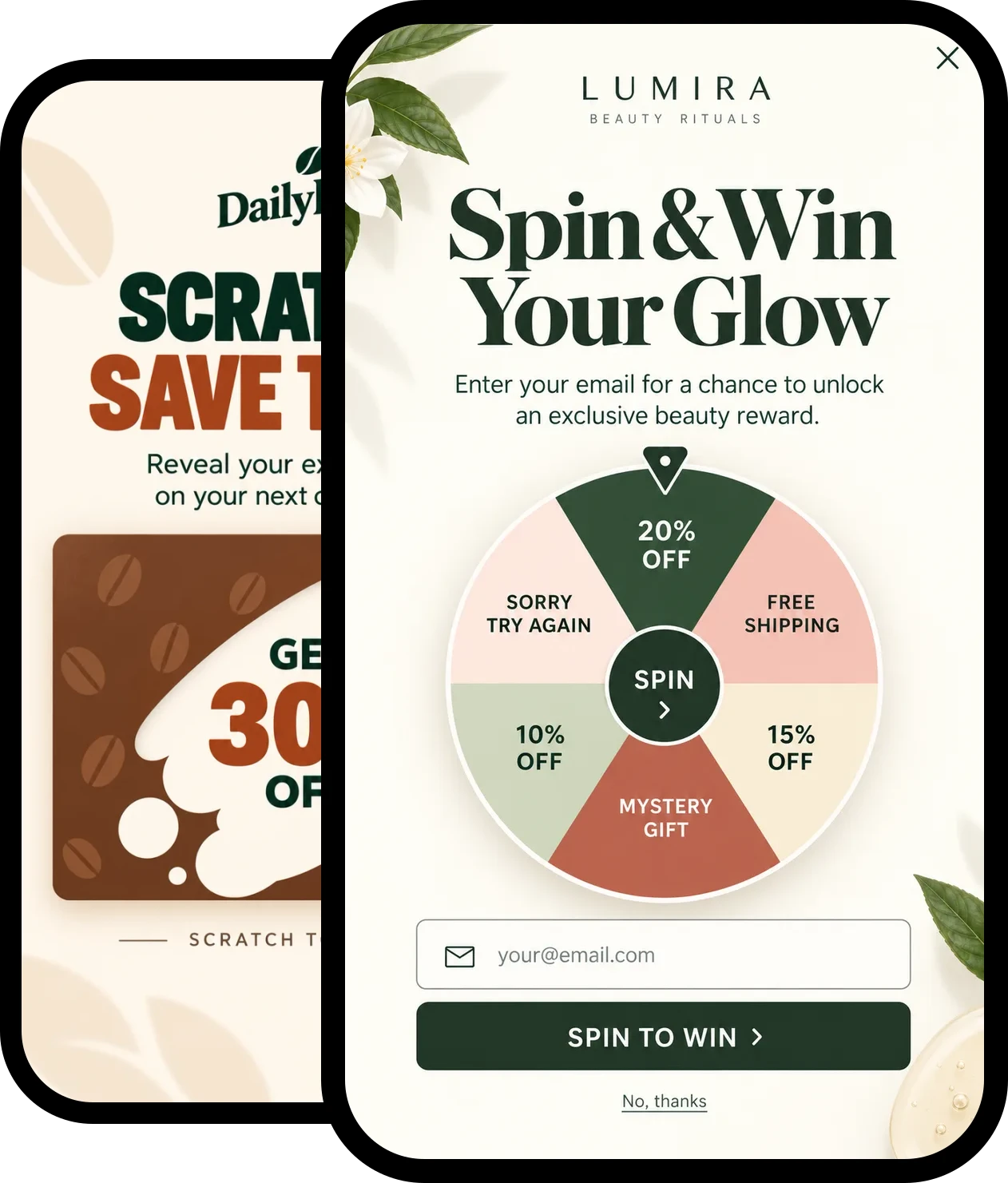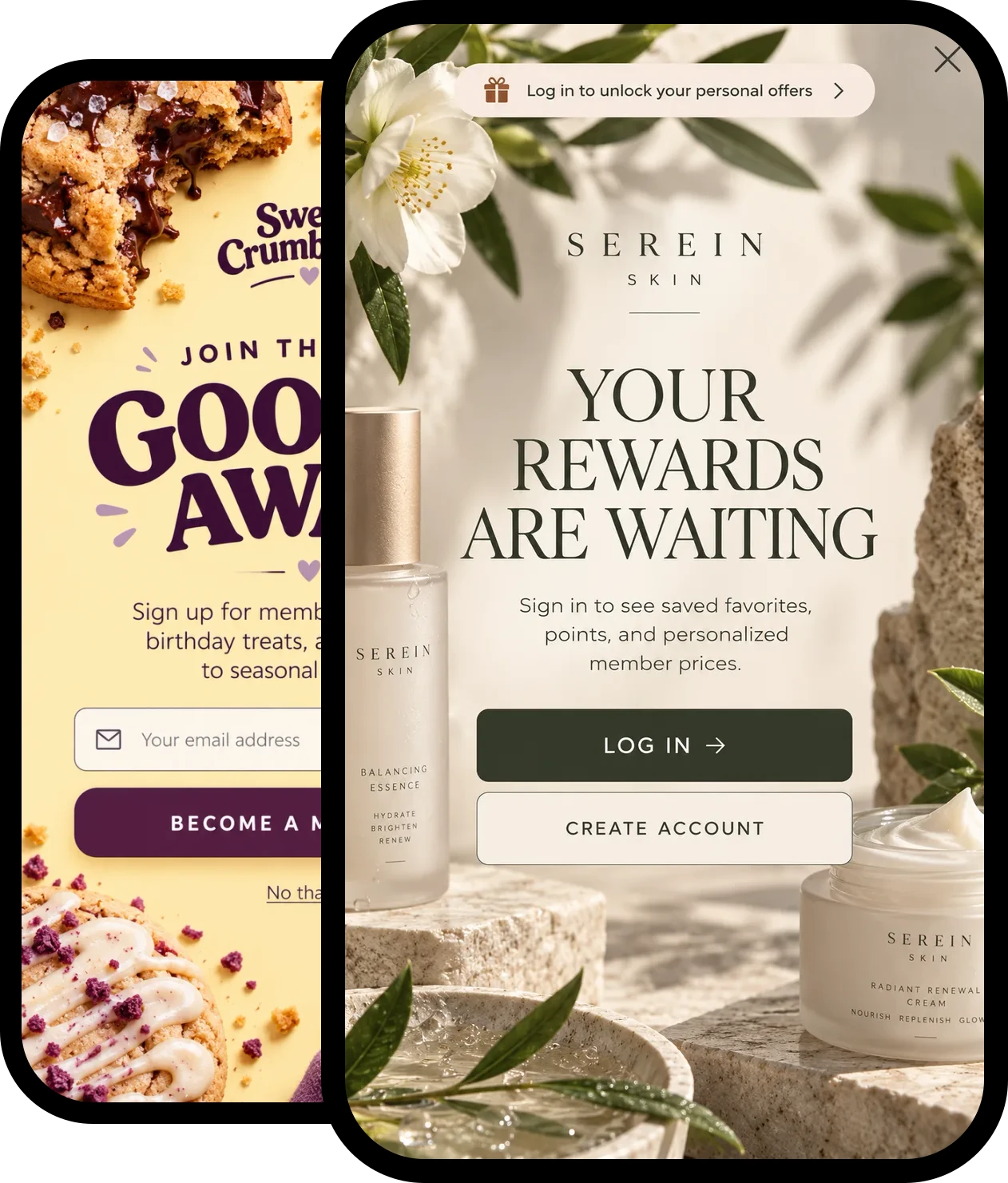
Turn readers into subscribers
Use Triggerbee to capture emails, activate members, and personalize your site based on visitor behavior or CRM data. No developers needed.
- Recognizes logged-out subscribers
- Synced with your CRM after every visit
- Targeting by content interest
- Drag-and-drop editor and 100+ templates


What Triggerbee does for publishers
Grow newsletters and registrations, bring subscribers back to log in, and use what each reader reads to decide which offer they see.
Grow newsletters and registrations
Show sign-up and registration prompts based on where readers come from and what they read. New sign-ups go straight to your CRM or email platform.
Get more subscribers to log in
Recognize subscribers from newsletter clicks and earlier logins, even when they browse logged out, and remind them to log in.
Offers based on content interests
Every reader builds an interest profile from the articles and categories they read. Use it to show the subscription offer, newsletter or event that fits.
Reader data in your CRM
After every visit, interest profiles, behavior and content dimensions sync to the same contact in your CRM, so your newsletters work from the same data as your site.
See what readers engage with
Content dimensions show which categories readers engage with, day by day. Compare anonymous, identified and logged-in readers.
No developer required
Install one script, then build, target and test campaigns in the drag-and-drop editor, starting from 100+ templates.
Show the right offer to the right readers
Turn passive readers into newsletter subscribers, registered users, paying subscribers or event attendees. Choose who sees each offer from what they read, where they come from and whether they are logged in.
See experiencesNewsletter sign-ups
Catch readers before they leave with a sign-up prompt, and send every new subscriber to your CRM.
Subscriptions, events and topics
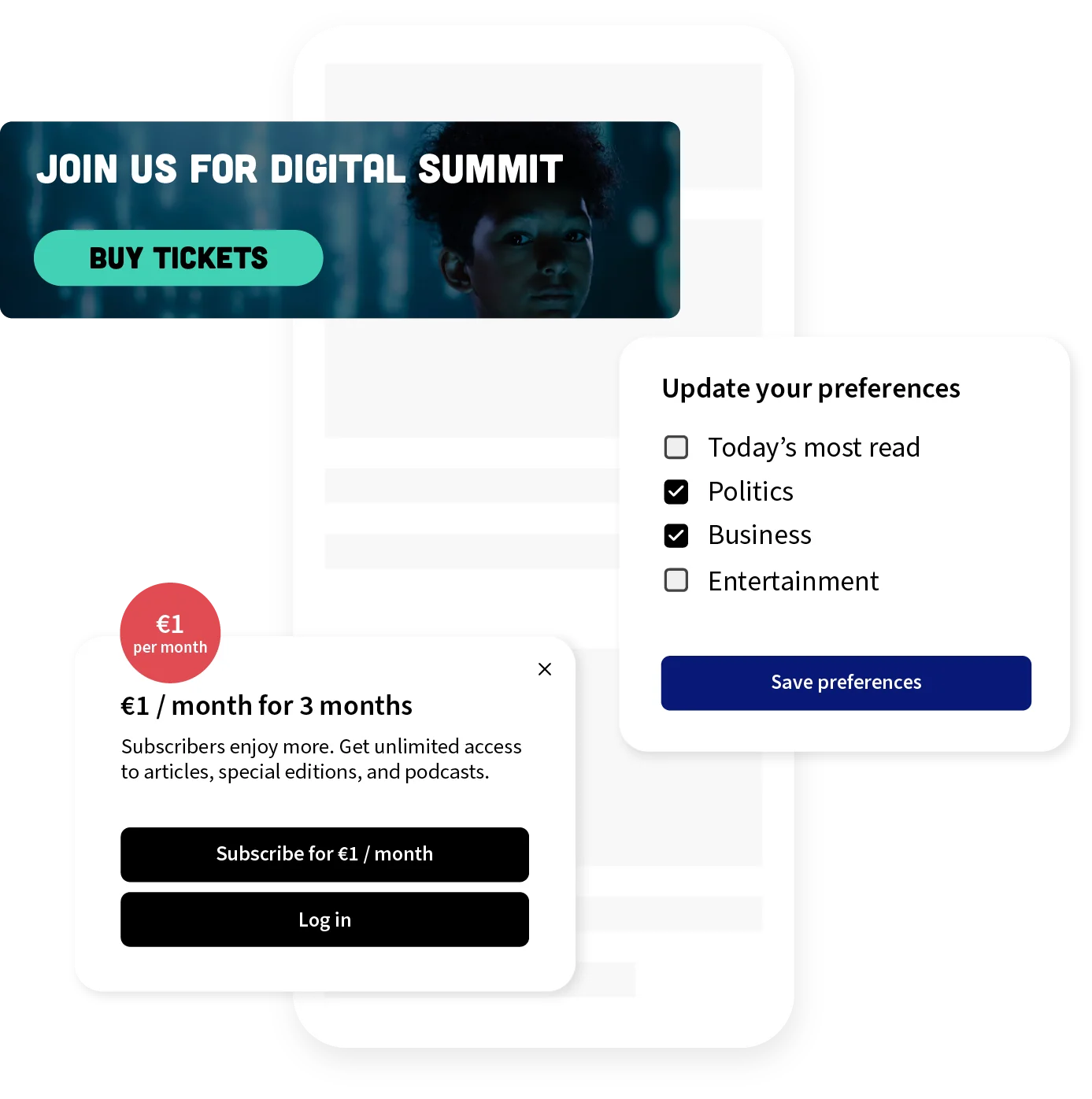
Put a subscription offer next to your paywall, promote events and featured content, or ask readers which topics they want.
Shown at the right moment
Exit intent, scroll and pageview triggers show the prompt when interest is highest.
Convert social traffic
Greet readers from social media differently from readers from your newsletter, starting from link-in-bio templates.
Test your offers
A/B test subscription offers, headlines and CTAs, and let your goal decide the winner.
Activate subscribers who browse logged out
Triggerbee recognizes subscribers from newsletter clicks, earlier logins and form submissions. When they visit logged out, remind them to log in, point them to premium articles, or show an offer built from their CRM profile.
See identity & profilesLogin reminders
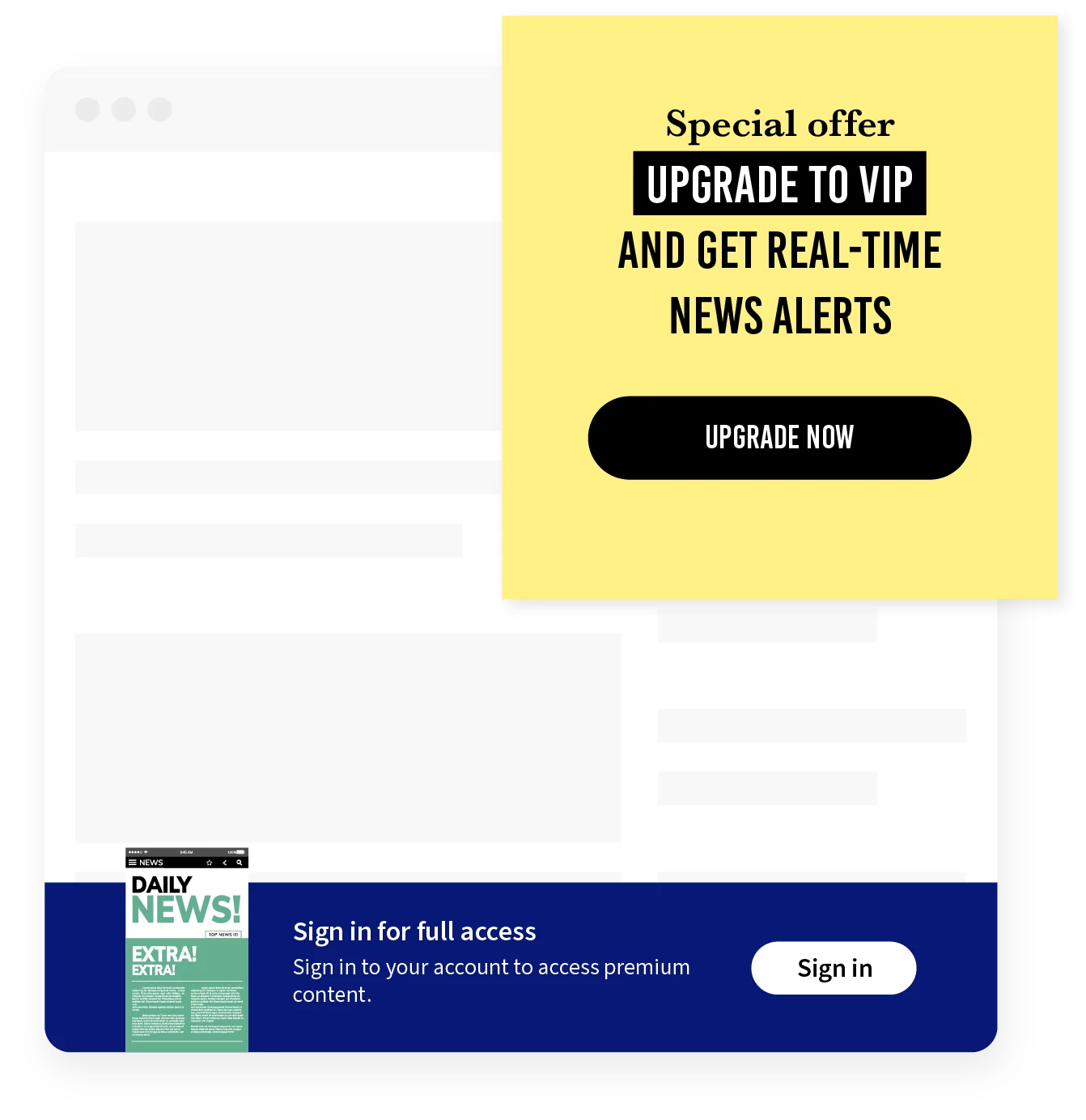
Remind logged-out subscribers to sign in, so they don’t miss premium content or rewards.
Login state and CRM, together
Show the nudge only to readers who are logged out, and tailor it with the lists, tags and segments in your CRM.





Recognized across devices
Subscribers stay identified across sessions and devices, even when they don’t log in.
A ready-made audience
Start from the audience for logged-out customers instead of building your own.
Shared across your titles
Run several titles in separate accounts? Define an audience once and share it across the group.
Learn what readers read, and what they think
Every reader builds an interest profile from the articles and categories they read, synced to your CRM after every visit. Ask readers what they value with quick surveys, CSAT and NPS, and follow the scores over time.
See analyticsInterest profiles in your CRM
After every visit, interests, behavior and survey answers sync to the same contact in your CRM.
NPS and CSAT over time
Track reader satisfaction continuously, and browse every response.
 Triggerbee profile
Surveys at the right moment
Ask after a login, an article or a sign-up, as an overlay or embedded in the page.
What readers engage with
Content dimensions show which categories readers engage with, day by day.
Compare reader types
See how anonymous, identified and logged-in readers behave, side by side.
Choose the plan that fits your needs
Book a demo and we’ll help you pick the plan that fits your team.
Pro
Take your customer engagement to the next level
Best suited to teams that want to engage visitors with forms, surveys, games and personalized content.
Book a demoKey features in Pro
- Web & app experiences: forms, surveys, gamification, referrals, and more
- CRM targeting
- Behavioral analytics
- Personalization
- Automations
- Customer profiling
- Sales analytics
- 12 integrations + Zapier
- Enterprise
Success
Unlimited experiences and hands-on help from our team
Best suited to larger teams that want unlimited experiences and a dedicated success manager.
Book a demoKey features in Success
Everything in Pro, plus:
- Dedicated success manager
- Customized campaign creation
- 1:1 onboardingOffered to high-traffic sites and subject to availability. Contact us to learn more.
- Done-for-you account set up
- Strategic planning
- Campaign migration
- Implementation help
- Access to all new features
- Traffic overage grace
- Custom SLAs
Media & publishing FAQ
How does Triggerbee help media companies grow their email lists?
Triggerbee lets you show targeted sign-up prompts based on traffic source, article viewed and visitor behavior, so you capture intent at the moment it’s highest. New sign-ups go straight to your CRM or email platform, and you build every campaign in a no-code editor without waiting on your development team.
Can Triggerbee detect when a subscriber is browsing without being logged in?
Yes. Triggerbee recognizes returning subscribers from your own first-party data, such as newsletter clicks, earlier logins and form submissions, and keeps them identified across sessions and devices. Combine that with login state to show logged-out members a login nudge, a premium content prompt or a reward reminder.
See identity & profilesDoes Triggerbee integrate with our CRM or CDP?
Yes. Triggerbee has native integrations with major CRM and email platforms such as Voyado, Rule, Klaviyo and Mailchimp, and connects to more than 1,000 other tools through Zapier. After every visit it syncs interest profiles, behavior, content dimensions and survey answers to the same contact, and your CRM lists and tags become audiences you can target on site.
See integrationsCan we run surveys and NPS directly on our site?
Yes. You can launch CSAT, NPS and custom feedback surveys as onsite overlays or embedded widgets, triggered after login, after reading an article, or at any custom point in the visitor journey. Track the scores over time, segment results by visitor type, and sync answers to your CRM.
See customer feedbackWe publish several titles. Can we reuse the same audiences?
Yes. If your titles run in separate Triggerbee accounts, group them and share an audience across every account in the group. You define it once, and every title targets the same readers the same way.
See audiencesDo we need a developer to set up and run campaigns?
No. You install a single script once, and from that point all campaigns, including sign-up forms, login nudges, banners and surveys, are built and launched from Triggerbee’s drag-and-drop editor by your marketing team.
Can we A/B test subscription offers and messaging?
Yes. Triggerbee includes built-in A/B testing, so you can compare different subscription offers, headlines and CTAs, let your goal decide the winner, and scale it, all without developer involvement.